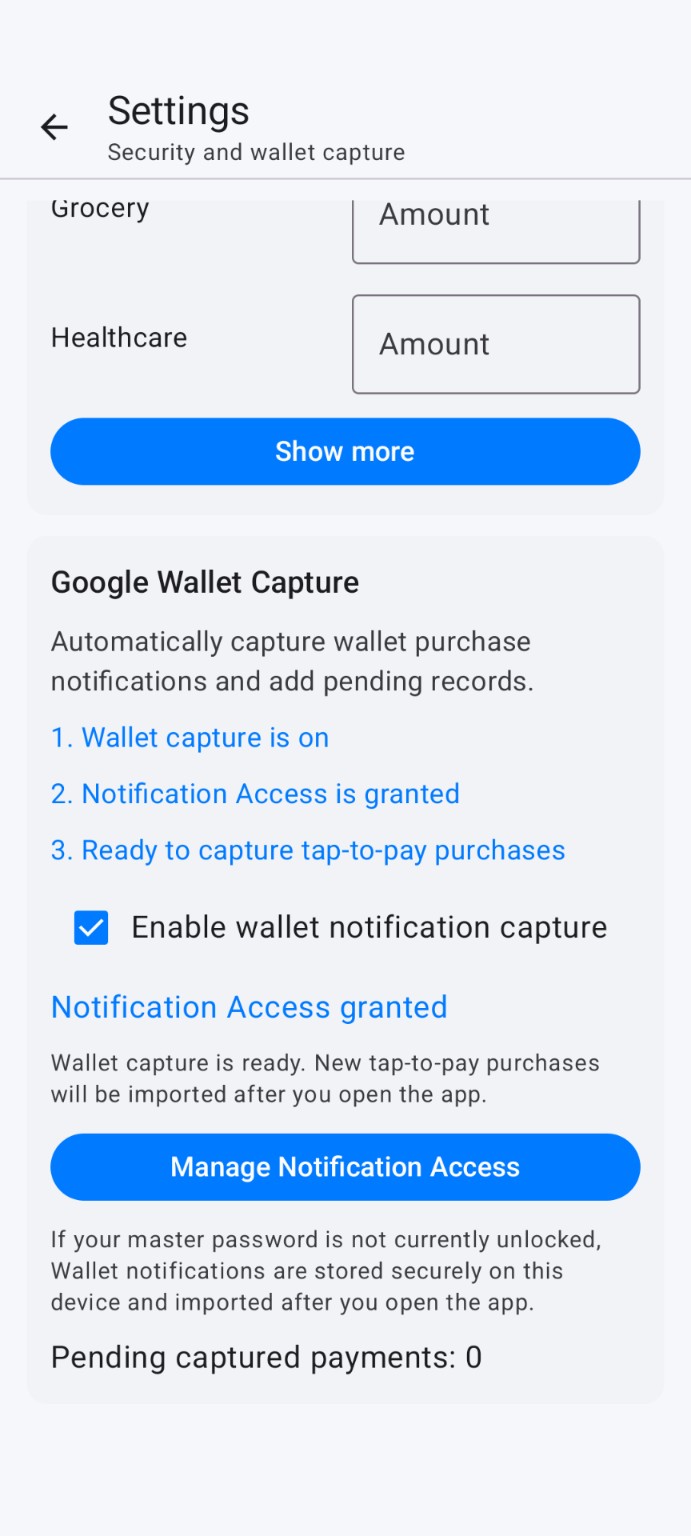
Google Wallet capture
Capture supported tap-to-pay notifications and review pending expenses when you open the app.
 Receptify Expense Tracker繁中Google PlayReceptify Expense Tracker · Android
Receptify Expense Tracker brings Google Wallet, receipts, and manual expenses together, parses receipts on your phone, and keeps encrypted records in your own Google Drive.
 Google Wallet capture
Capture supported tap-to-pay notifications and review pending expenses when you open the app.
Parse amount, date, description, and category locally—then review before saving.
Track overall and category budgets, trends, and meaningful spending changes.
Encrypt expense data before syncing it to Drive under your control.
Use the capture method that feels natural. Receptify turns it into an expense you can search, organize, and understand.
Supported tap-to-pay notifications become pending payments for review.
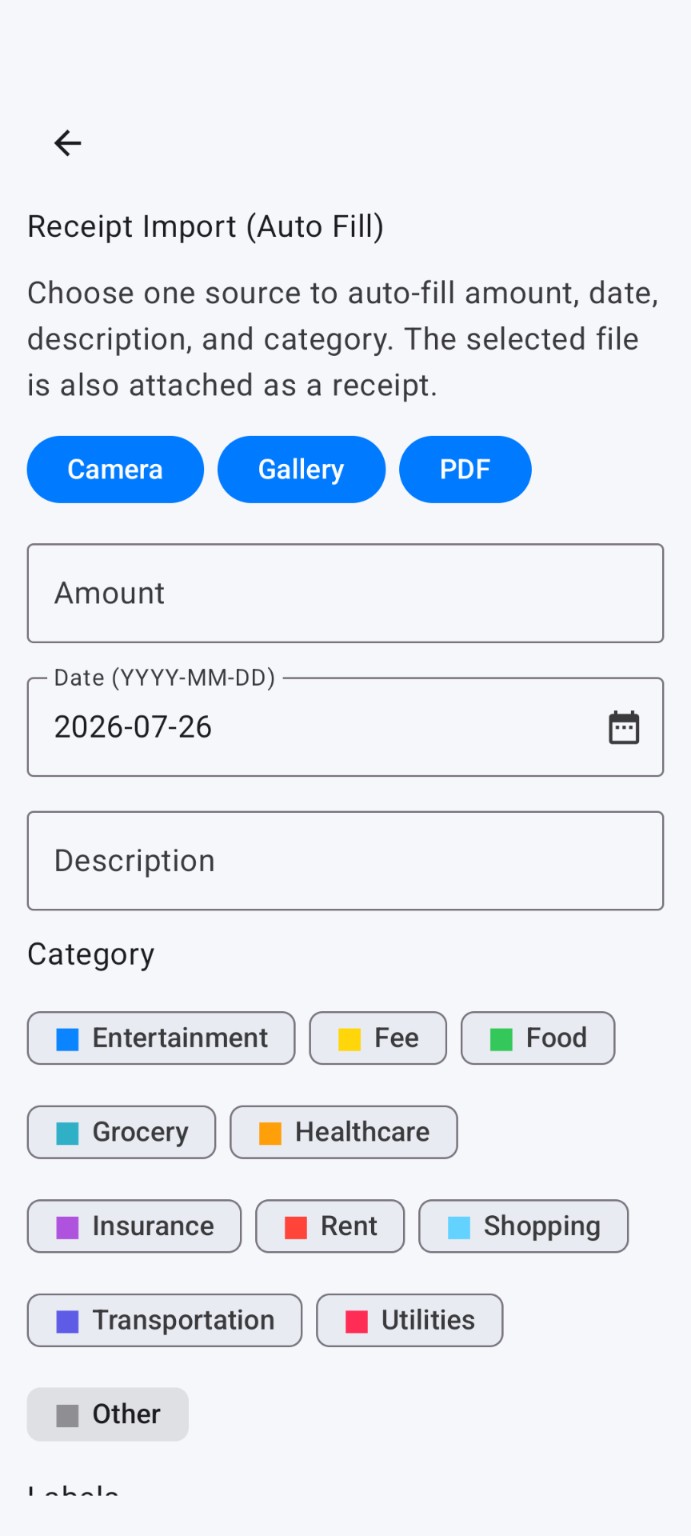
Import from camera, gallery, or PDF to auto-fill key fields.
Confirm fields, attach more receipts, rotate photos, and save.
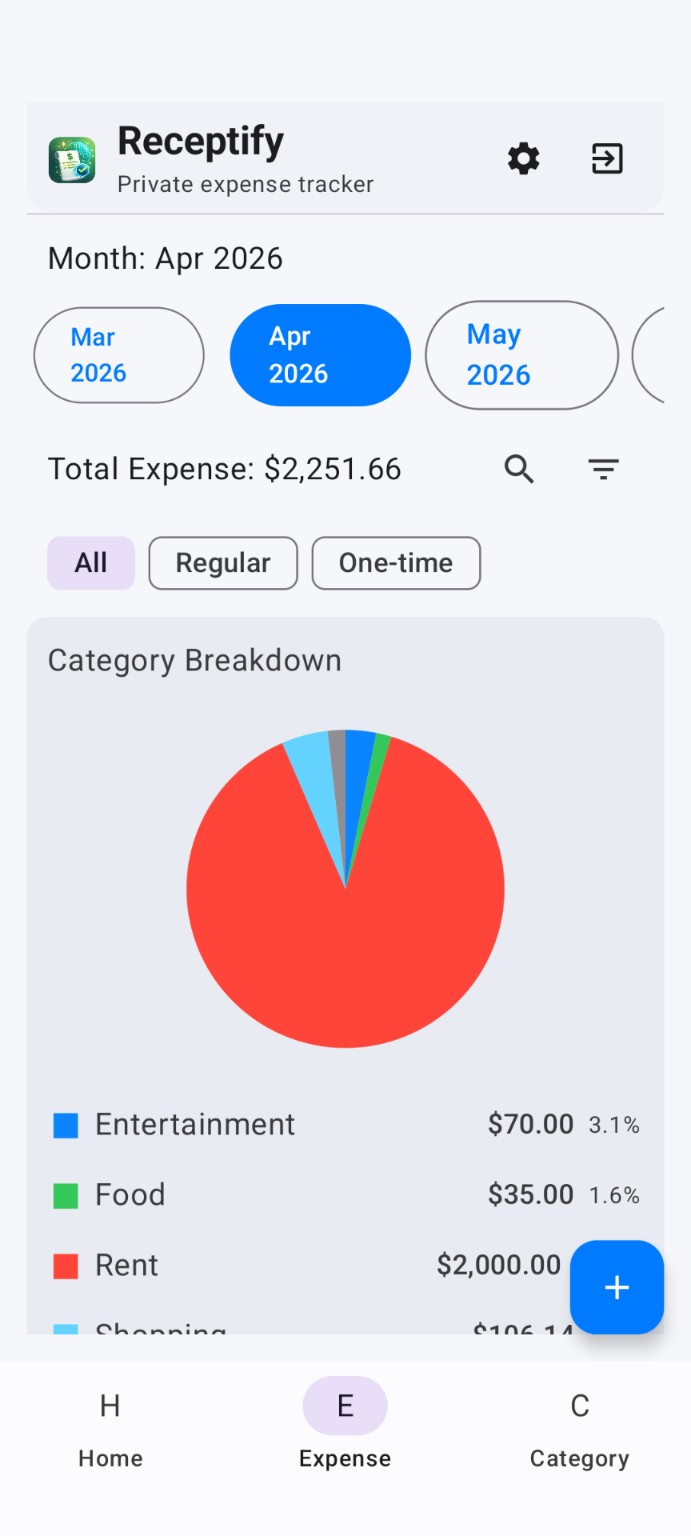
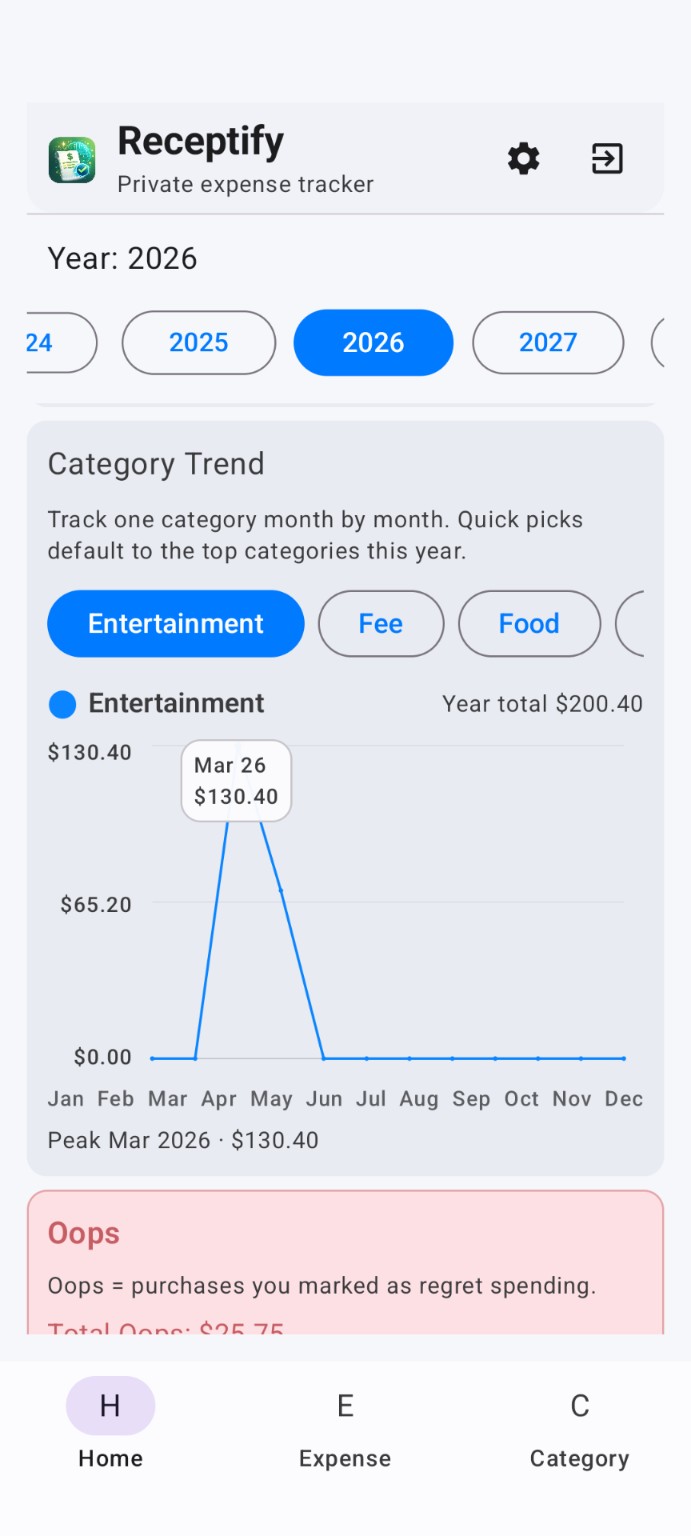
Monthly totals, category breakdowns, trends, and budget check-ins live in one place.
Set one monthly target, then track only the categories that matter.
Compare spending with last month and recent averages.
Find expenses by description, category, and type.
Records are encrypted before leaving your device. You hold the password, and can optionally use device biometrics to unlock a saved password.
Only when you explicitly export selected records does Receptify create an unencrypted, shareable Drive folder.
Oops and One-time stay separate so budgets and reflection remain meaningful.
Mark regret spending and see which categories attract impulsive purchases.
Remains in regular spending and insightsKeep travel, moving, or major purchases from distorting normal budgets.
Excluded from budget calculationsAttach multiple image or PDF receipts, preview, rotate, delete, and download them. Export selected records only when you choose.
Receipt attached
✓ Encrypted storageReceptify is currently free and planned usage limits are not enforced. Anonymous research helps determine demand and fair pricing before Premium is built.
The current app includes its core features and does not enforce the planned monthly limits. Any future paid plan will explain its features, price, and rollout clearly.
Download freeAfter you enable Wallet capture and grant notification access, supported tap-to-pay notifications can become pending expenses for review when you open Receptify.
Receipt parsing happens on your phone. Import from camera, gallery, or PDF, then review the fields before saving.
Expense data and receipts are encrypted on your device before being synced to your own Google Drive. You hold the decryption password.
No. Only after you explicitly export selected expenses does Receptify create an intentionally unencrypted, shareable Drive folder.
Oops marks regret spending after the fact. One-time marks exceptional purchases and excludes them from budget calculations.
Not currently. Receptify is available for Android.